
⚡ Quick Fix: The 5-Second Reset
If you have already descaled your machine but the light remains orange, the internal counter hasn’t been reset. With the machine plugged in but turned off (Standby Mode), press and hold the power button for 5 to 15 seconds until the light flashes and turns solid green. This manually clears the descaling alert.
Why Is Dolce Gusto Orange Light Still On After Descaling Coffee Maker?
Most Dolce Gusto models (such as the Genio S, Piccolo, or Mini Me) operate on a usage counter rather than a physical sensor that sees the limescale. The machine is programmed to trigger the orange alert after approximately 300 uses.
If you have already followed the steps for how to clean and descale a Dolce Gusto coffee machine but the light remains stubborn, the digital alarm simply needs to be manually told that the job is done.
What are the Troubleshooting Methods to Clear the Orange Light?
1. Complete the Rinsing Cycle
The most frequent reason the light stays orange is that the machine did not register the completion of the “Descaling Mode.”
-
The Second Flush: You must run at least one full tank of fresh, clean water through the machine immediately after the descaling solution has passed through.
-
The Toggle: Move the selection lever to the “Hot” (Red) position and allow it to run until the tank is empty. If the light is still orange, repeat the process on the “Cold” (Blue) setting. The machine often requires this “double rinse” to exit maintenance mode.
2. The Manual Hardware Reset
If the light persists after a thorough rinse, you can force a reset using this button sequence:
- Ensure the machine is in Standby Mode (plugged into the wall but the power button is not lit).
- Press and hold the Power Button (or the start lever on some models) for 15 seconds.
- The light will likely blink between orange and green. Continue holding until it settles on a Solid Green.
- Switch the machine off at the wall, wait 10 seconds, and turn it back on to confirm the reset.
3. Clear the Injection Needle
In some cases, the light stays on because the machine detects a restricted flow rate.
-
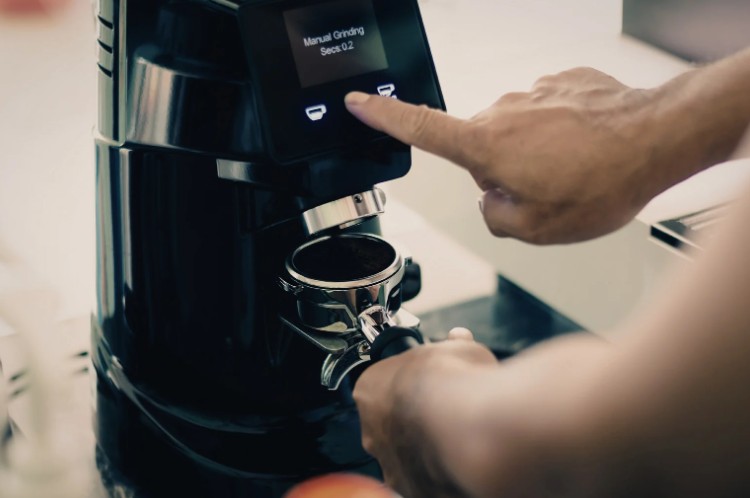
Locate the small cleaning needle (usually tucked behind the water tank or in a slot near the capsule holder).
-
Ensure the machine is off and poke the needle into the nozzle to clear any residual “calcification” or coffee grounds.
What are the FAQ about Dolce Gusto Orange Light Still On After Descaling Coffee Maker?
1. Can I still make coffee if the light is orange?
Yes, the machine will continue to function. However, leaving the light on means you won’t know when the next 300-cup cycle has passed, risking permanent damage to the heating element from real limescale build-up.
2. Why did my light turn orange so quickly?
If you live in a hard water area of the UK (like London or the South East), mineral deposits build up faster. Ensure you are using the correct water hardness settings if your specific model allows for that adjustment.
3. Do I need a specific descaling kit?
While you can use white vinegar, it is not recommended as it can damage the internal seals. Using a dedicated lactic acid-based descaler ensures the internal sensors and pipes remain in peak condition.
Expert Maintenance Tip: To keep your coffee tasting its best, always remove the used capsule immediately after brewing. This prevents “back-wash” into the needle, which often triggers flow-rate warnings.

Home Diagnostics and Technical Standards Specialist at Hello Mag. She provides high-level Expertise in appliance mechanics and scientific pest management, ensuring every guide follows strict safety protocols and manufacturer standards. As a leading Authority on technical home specs, Kanimozhi audits complex data to provide homeowners with the most accurate, verified, and reliable diagnostic solutions available.
0 Comments