
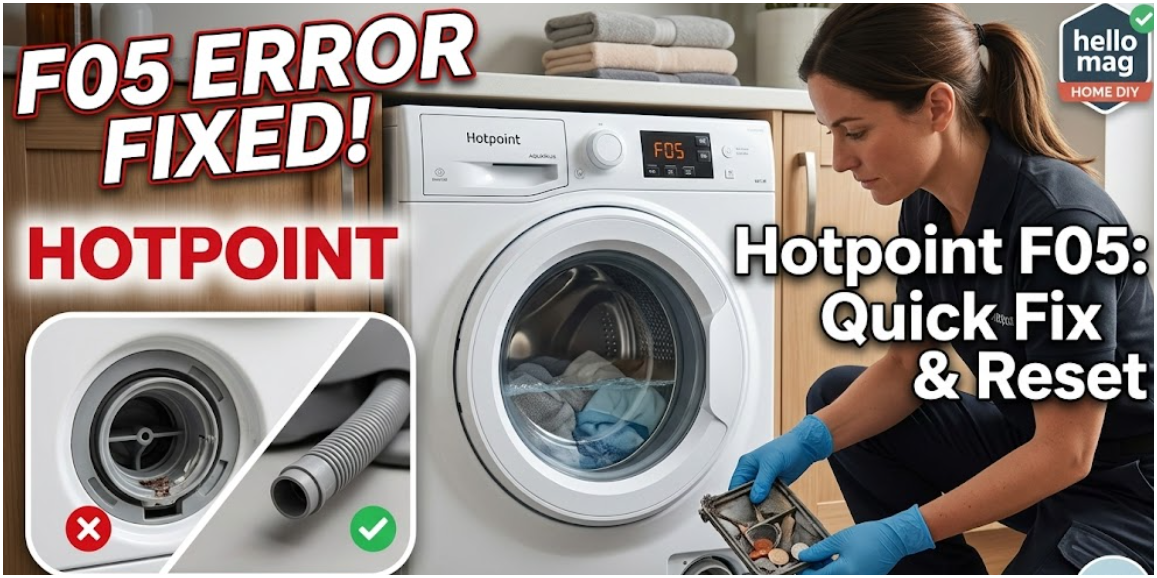
Encountering a Hotpoint Washing Machine F05 error usually means your machine has stopped mid-cycle with a drum full of water. This code indicates a drainage failure. Before calling a plumber, follow this professional troubleshooting guide to clear the blockage and reset your machine.
Quick Fix: How to Resolve Hotpoint F05 Error?
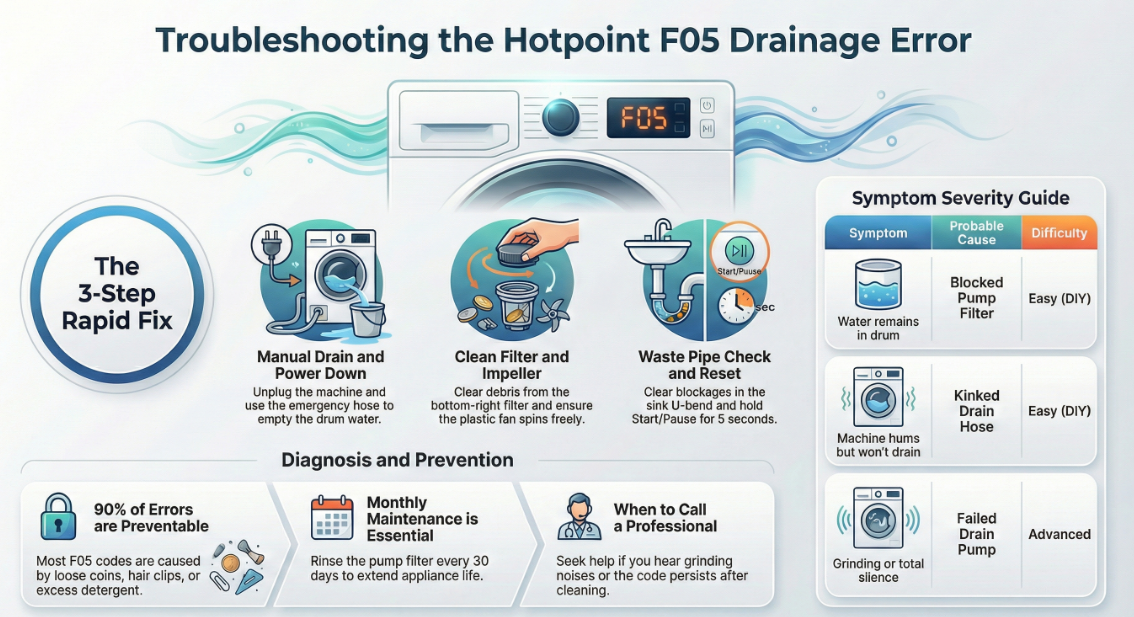
If your Hotpoint washing machine is showing F05 and won’t drain, follow these steps in order:
- Manual Drain & Power Down: Turn off the power and unplug the machine. Use the small emergency drain hose (located behind the bottom kick plate) to empty the water into a shallow tray.
- Clean the Pump Filter: Locate the circular filter at the bottom right. Unscrew it slowly, clear any debris (coins, hairpins, or lint), and rinse it under warm water.
- Check the Waste Pipe: Detach the grey waste hose from your under-sink plumbing. Ensure there is no blockage in the “U-bend” of your sink or the hose itself.
- Inspect the Impeller: Reach into the hole where the filter sits. Try to spin the plastic fan (impeller) with your finger. If it’s jammed, a small object is likely stuck in the pump.
- Perform a Hard Reset: Plug the machine back in. Press and hold the Start/Pause button for 5 seconds, then run a “Spin & Drain” cycle to see if the code clears.
What Does the F05 Error Mean?
In technical terms, the F05 code triggers when the pressure switch detects that the drum is still full of water after the drain phase of a cycle.
| Common Causes | Symptom | Difficulty |
| Blocked Pump Filter | Water remains in the drum | Easy (DIY) |
| Kinked Drain Hose | Machine hums but won’t drain | Easy (DIY) |
| Faulty Pressure Switch | Machine drains but the code stays | Moderate |
| Failed Drain Pump | Grinding noise or total silence | Advanced |
How to Force Open a Locked Hotpoint Door?
When the F05 error occurs, the door often remains locked to prevent flooding. Do not pull the handle.
- Step 1: Drain the water manually via the filter (see above). The door will usually unlock once the sensors detect the water is gone.
- Step 2: If it remains locked, unplug the machine for 30 minutes.
- Step 3: Use the manual override (a small plastic tab often located near the filter) to release the latch.
What are the Expert Maintenance Tips to Prevent F05?
To keep your drainage system clear and extend the life of your Hotpoint appliance:
- Clear Pockets: 90% of F05 errors are caused by coins, hair clips, or loose change.
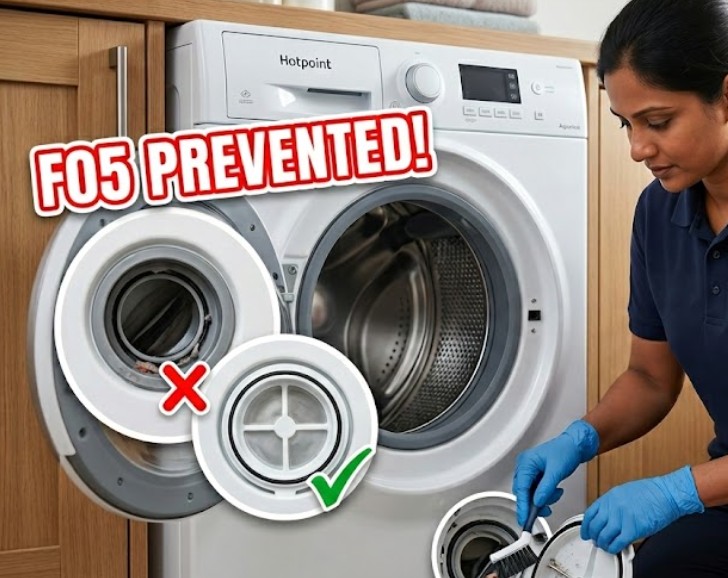
- Monthly Filter Rinse: Clean your pump filter every 30 days.
- Detergent Check: Avoid using excess detergent; “over-sudsing” can confuse the pressure switch and trigger false error codes.
Frequently Asked Questions (FAQ) About Hotpoint Washing Machine F05
1. Why is my Hotpoint machine still showing F05 after cleaning the filter?
If the filter is clean, the issue is likely a blocked pressure chamber or a faulty pressure switch. These parts monitor the water level. If the chamber is blocked with silt, the machine “thinks” it’s still full of water.
2. Can I reset the F05 error without opening the machine?
A “Hard Reset” (unplugging for 30 minutes) can clear software glitches. However, if there is a physical blockage in the pump, the code will return as soon as the next drain cycle begins.
3. How do I know if my drain pump has failed?
If you have cleared all blockages and the machine still won’t drain—and you hear a loud clicking or grinding noise—the pump motor has likely failed and requires replacement.
Appliance Maintenance Professional
This guide has been audited for technical accuracy, electrical safety protocols, and part-compatibility data to ensure compliance with UK appliance repair standards and manufacturer specifications.

Home Diagnostics and Technical Standards Specialist at Hello Mag. She provides high-level Expertise in appliance mechanics and scientific pest management, ensuring every guide follows strict safety protocols and manufacturer standards. As a leading Authority on technical home specs, Kanimozhi audits complex data to provide homeowners with the most accurate, verified, and reliable diagnostic solutions available.
0 Comments